

Accounts Receivable Automation: How to Sync Your Books With Accounting Software
See how syncing your receivables with your accounting software saves time and keeps your books accurate.

- Key takeaways
- What is accounts receivable automation?
- How does accounts receivable automation work?
- Accounts receivable woes
- Enhance tracking
- Minimize busywork
- Streamline reconciliation
- How syncing with your accounting software helps
- Getting started with Melio Get Paid
- Accounts receivable automation FAQs
Key takeaways
- Automate accounts receivable to replace manual data entry and get paid faster with fewer errors.
- Sync Melio with QuickBooks Desktop, QuickBooks Online, or Xero to import invoices and customer details automatically.
- Rely on automatic payment matching to simplify reconciliation and save your team hours each week.
- Manage both accounts payable and receivable from one Melio account for a clearer view of cash flow.
What is accounts receivable automation?
Accounts receivable automation uses software to handle the repetitive work of tracking invoices, collecting payments, and reconciling your books. It replaces manual data entry, so you get paid faster and make fewer mistakes.
For small and mid-sized businesses, that means less time on busywork and a clearer view of the money coming in.
How does accounts receivable automation work?
Automation connects your invoicing and payment tools so information flows in one direction without re-entry. When you sync Melio with your accounting software, invoices and customer details move over on their own.
From there, you can send payment requests, watch their status, and let payments match to the right invoice. The result is a simpler routine and books that stay in step.
Accounts receivable woes
When creating this feature, we examined the three main pains of accounts receivable (AR) bookkeeping, where we believe syncing could have the most meaningful impact.
Enhance tracking
Keeping track of your receivables and knowing exactly how much cash you have at hand is vital to maintaining financial health and a positive cash flow. Using more than one platform to handle your finances can result in discrepancies, which brings us to our next pain point.
Minimize busywork
To keep your data accurate, you may find yourself (or your team) tasked with the tedious chore of manually inputting the same information into various systems. This not only wastes valuable time, it’s also prone to errors, which require even more time to fix. This cycle may force you to put off strategic tasks, inevitably hurting your business in the long run.
Streamline reconciliation
Reconciliation is perhaps the most time-consuming AR task. It means matching incoming payments with open invoices so your accounts stay balanced, with no missing or double payments. It often takes real detective work. You may have to match a check with no reference number, or a single line in your bank statement, to a bill that is months overdue.
How syncing with your accounting software helps
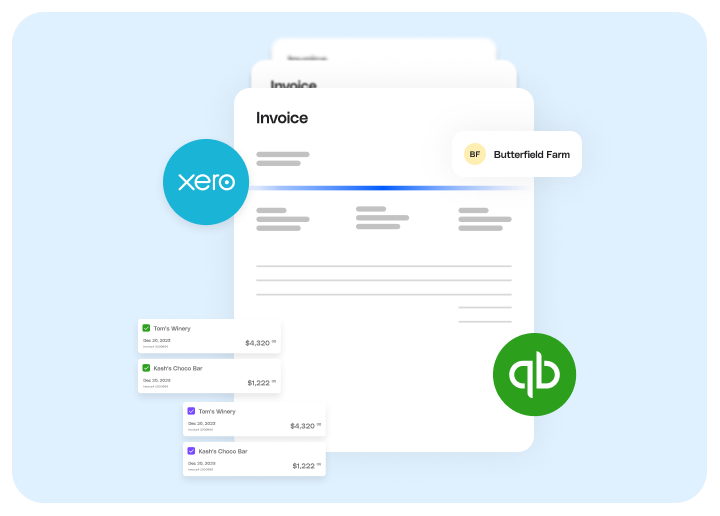
Syncing connects Melio with your accounting software, so your receivables update in both places on their own. You no longer register invoices on more than one platform. Outstanding and new invoices, along with the corresponding customer information, are automatically imported into Melio so you can easily send payment requests and track their status.
Having all your invoices viewable on both platforms makes it easier to keep track of incoming funds, send payment requests, and create a cash flow plan.
Reconciliation also becomes a non-issue as payments made via Melio are automatically associated with the relevant invoice in your accounting software. This eliminates guesswork and human error and potentially saves you and your team hours every week that could be better spent growing your business.
Getting started with Melio Get Paid
Setting up the sync connects Melio to your accounting software in a few minutes. Choose your platform to follow the step-by-step guide:
Accounts receivable automation FAQs
Which accounting software does Melio sync with?
Melio syncs accounts receivable with QuickBooks Desktop, QuickBooks Online, and Xero.
Is the sync automatic?
Once you connect Melio to your accounting software, invoices and customer details import on their own, so you don’t have to enter them twice.
How does syncing handle reconciliation?
Payments made through Melio match to the matching invoice in your accounting software, which removes guesswork and manual matching.
Can I manage accounts payable and receivable in one place?
Yes. Melio lets you handle both bill pay and getting paid from the same account.
*This blog post is intended for informational purposes only and is not intended as financial advice.
**Melio does not provide legal, tax or accounting advice, and you should consult with a professional advisor before making any financial decisions.

How AP Automation Improves Business Cash Flow
See how AP automation frees up cash, speeds approvals, and gives you real control over when money leaves your business.

How To Build and Grow A Virtual Accounting Firm
Learn how to build a virtual accounting firm that thrives, keeps clients happy, and gives you room to grow.

Statement Balance vs Current Balance: Key Differences
Learn how your statement balance and current balance differ, so you can pay smart and avoid interest.

