








Issue an invoice
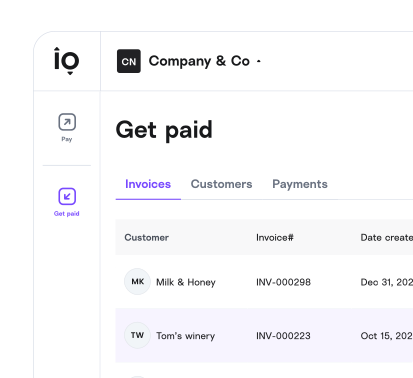
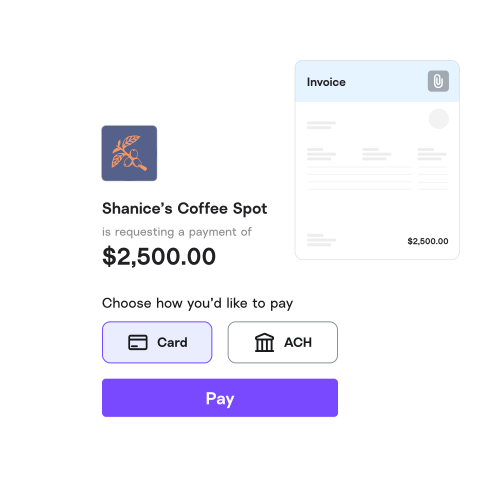
Create a branded invoice in minutes with a built-in payment link.


Melio is the invoicing software for small businesses who want to get paid without the complexity or extra cost. Send branded invoices, share payment links, accept card or bank payments, and automatically sync it all with QuickBooks or Xero.
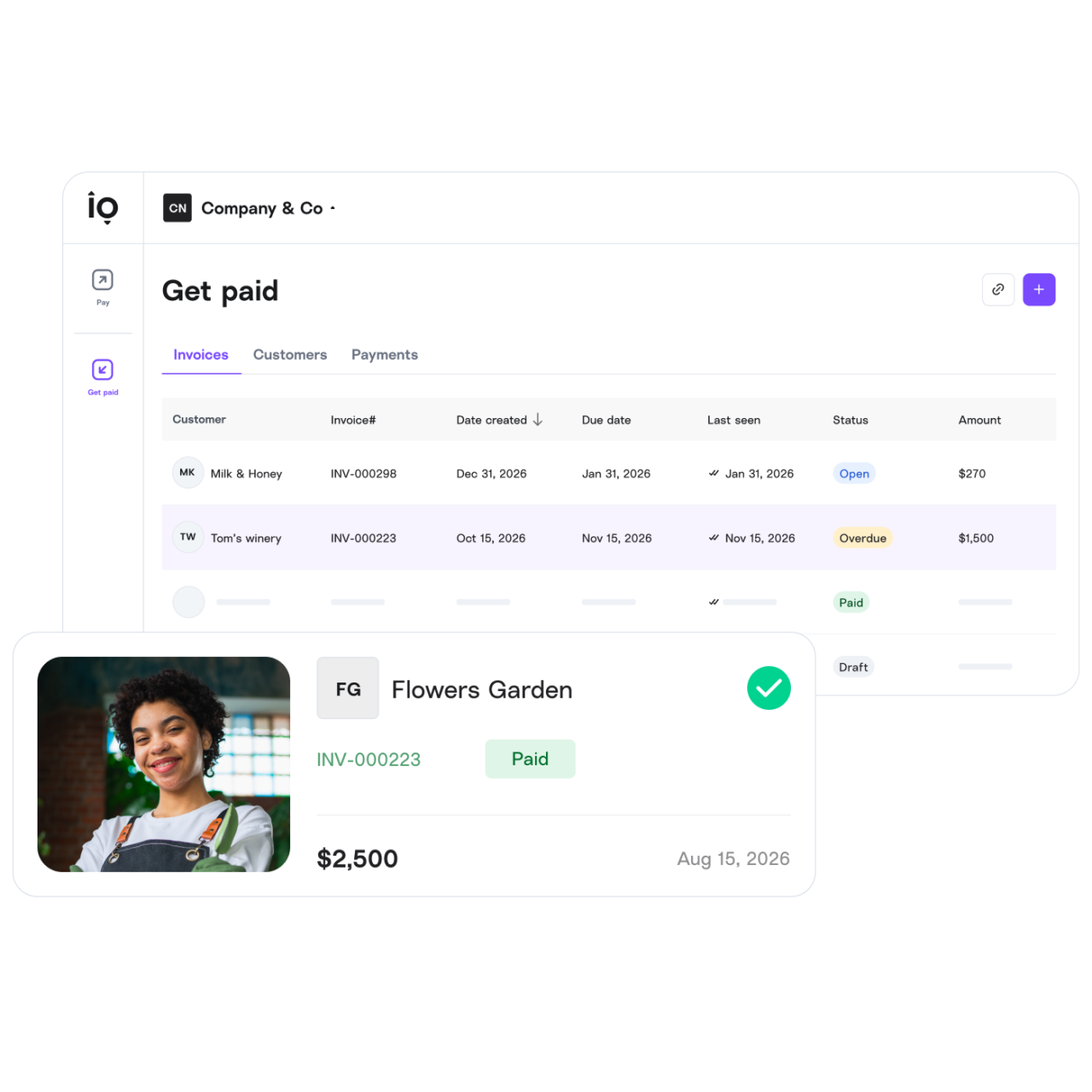
Create a branded invoice in minutes with a built-in payment link.
Your vendor chooses a bank transfer (free) or a card payment (you choose who covers the fee).
Pending, in progress, or done; get notified as money moves.
AR capabilities are included with every Melio plan, so you’re not paying extra to get paid faster. Create and send invoices, generate payment links, and receive payments online.
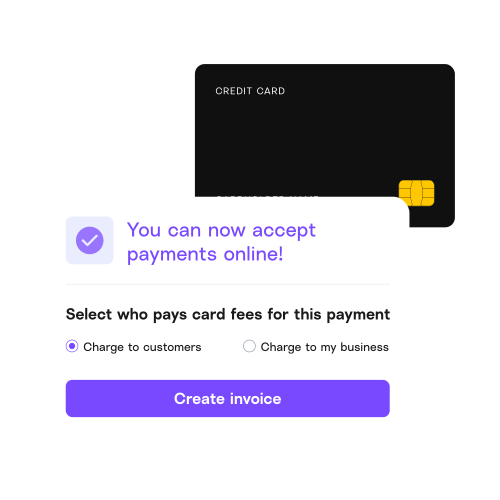
Get paid by card quickly and easily while saving both time and money. Set up takes minutes and you choose who pays the card processing fees.
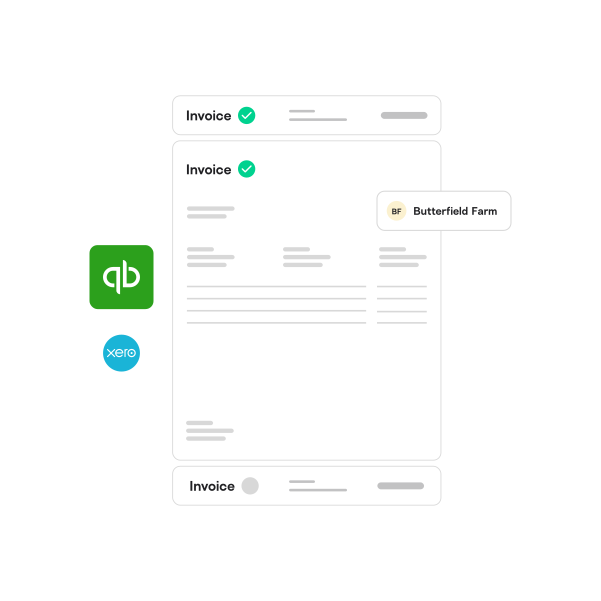
Connect once and incoming payments sync straight to your books via QuickBooks or Xero. Payments match to invoices automatically, with AI categorization by class, location, and line item. Using QuickBooks Desktop? Talk to our team. Using Quickbooks Desktop?
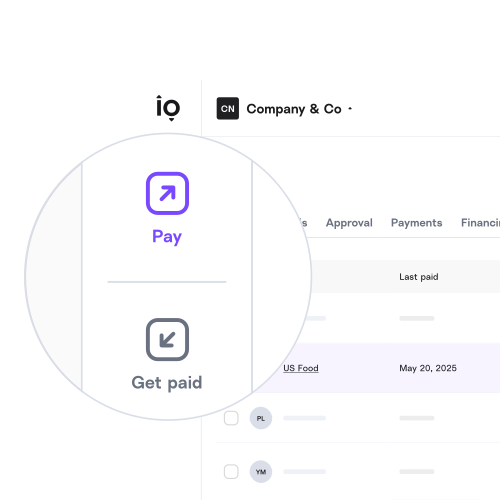
Create and issue invoices, get paid, and automate accounts payable, all from the same Melio account. Keep it simple while staying in control of your cash flow.
Let them choose how to pay you, by card or ACH bank transfer. It takes just a few clicks to make a payment and your customers don’t even need to sign up!


Customize your invoices, payment links, and emails with your brand logo.
Centralize all your incoming payments and eliminate manual data entry to make it easy to match the books with your bank account
Accept card payments and decide who pays the fee in advance.*
Add your unique link to your business card, email signature or website to let business customers initiate payments.
Now you can see every stage of your payment—from the minute the payment request is emailed until it’s paid.
With Melio, your business’ info is secure.
Customize your invoices, payment links, and emails with your brand logo.
Accept card payments and decide who pays the fee in advance.*
Now you can see every stage of your payment—from the minute the payment request is emailed until it’s paid.
Centralize all your incoming payments and eliminate manual data entry to make it easy to match the books with your bank account
Add your unique link to your business card, email signature or website to let business customers initiate payments.
With Melio, your business’ info is secure.
With Melio’s online invoicing software, you can send customers your link so they can pay you in just a few clicks. They get flexible payment options and you get paid directly to your bank account. Plus, you get to choose who pays the card processing fees.
“We get quick clarity on our cash flow by using Melio. It's one of the most important tools we use daily and has been invaluable for us as a startup.” Ryan Looper, Director
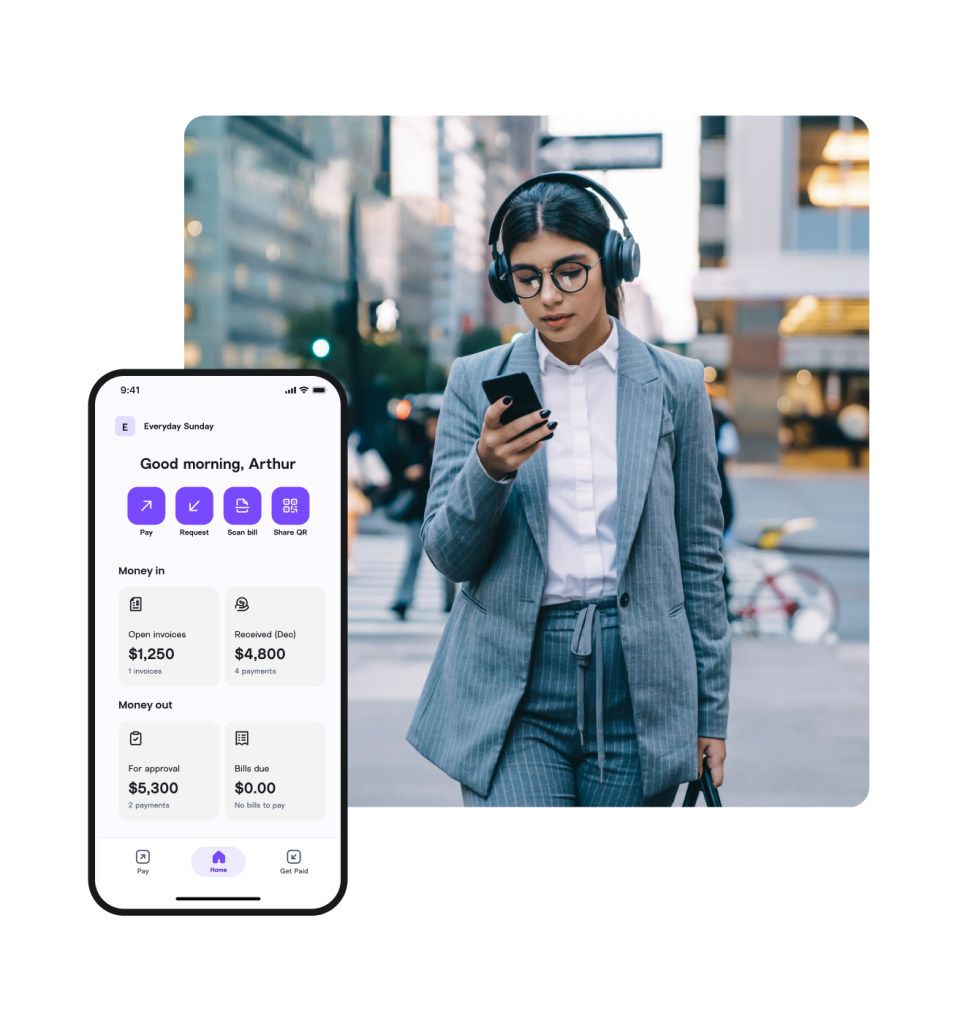
Create and send invoices from the palm of your hand with our mobile app. Review, track, and manage AR—wherever you are.
Accounts receivable (AR) is the money customers owe your business for goods or services already delivered. Good accounts receivable management means sending invoices promptly, following up on overdue payments, and reconciling what’s been paid, so cash keeps flowing in on time. Melio automates the follow-up and reconciliation work so you spend less time chasing payments.
Getting paid is free with any Melio plan. There’s no extra cost to send invoices or receive bank transfers. If a customer chooses to pay by credit card, you decide in advance whether you or your customer covers that processing fee. See pricing for full details.
No. Your customer clicks the payment link, fills in their details, and finishes in a few clicks without sign-up or a password to remember. The fewer steps between your invoice and their payment, the faster you get paid.
Create a branded invoice inside Melio and send it to your customer. It includes a built-in payment link so they can pay you quickly online. If you’re working with repeat clients who already know the drill, you can even skip the invoice and just send a payment link directly.
Yes. You can add your logo and customize the invoice template so customers see your business, not a generic payment form. That matters when you’re asking someone to enter their payment details; they need to recognize it’s actually coming from you.
No. Melio processes the payment on your behalf. Your customers pay through Melio’s system, and the money lands in your bank account without them ever seeing your routing or account number.
Yes. Melio supports role-based access, so you can give team members permission to send invoices and track payments without giving them access to bank account settings or anything sensitive. Useful when more than one person handles incoming payments.
For most businesses, yes, as long as you receive all relevant payments through Melio. Payment status, reminders, and reconciliation all live in one place. You’re not maintaining a separate tracking sheet and updating it manually every time money moves.
Melio automates the repetitive parts of accounts receivable: sending payment reminders, matching incoming payments to open invoices, flagging what’s overdue, and syncing everything with your accounting software. Businesses that used to spend hours each week on manual follow-ups and reconciliation usually find most of that time disappears. Setting up an automated reminder schedule once takes about fifteen minutes. Sending those same reminders manually every time does not.
Yes, Melio’s accounts receivable tools sync with QuickBooks and Xero. Incoming payments match automatically to open invoices, so your books stay reconciled without manual entry.
Accounts payable is money your business owes to vendors; accounts receivable is money customers owe you. Melio lets you manage both from one account: pay your bills and collect customer payments, all synced to your accounting software. See how accounts payable works with Melio.
For most small businesses, yes. Traditional AR collections software is often a paid add-on built for larger finance teams. Melio includes automated payment reminders, reconciliation, and payment tracking with every plan, so you don’t need a separate collections tool to follow up on overdue invoices.
Do Not Sell Or Share My Personal Information.
To submit a request to opt out of sale/sharing of your personal information, please submit the form below.
If you are a resident of California, you have the right to opt-out of the selling or sharing of your personal information. To exercise this right, please provide your State and Country of residency. Please note that when you submit an opt-out we do not know who you are within our systems, and your opt-out will apply only to information collected from tracking technologies on the specific browser from which you opt-out. If you delete or reset your cookies, or use a different browser or device, you will need to reconfigure your settings. If you want the opt-out to apply to information we have about you in our systems, such as your email address, please also provide your full name, email address, and phone number. Any information you provide below will not be used, disclosed, or retained for any purpose other than processing the request to opt-out of sale/sharing.
You can learn more about your rights in our Privacy Policy.
This site is protected by reCAPTCHA and the Google Privacy Policy and Terms of Service apply.
Please take a few minutes to fill out this form and our team will be in touch about building a plan that suits your needs, pending eligibility.
By submitting this information you are accepting our Privacy Policy
This site is protected by reCAPTCHA and the Google Privacy Policy and Terms of Service apply.
Earn $300 for every client you add to Melio. Plus, give the client 2 years of Melio’s Unlimited plan for free if you add them by October 15 using the code UNLIMITED_CLIENT.
Terms apply: Referral program Coupon code