Pay Meta Ads by card
Melio allows you to pay for Meta Ads by card even when Meta won’t accept cards. Earn rewards, miles, or cashback on every dollar of ad spend and hold onto cash for up to 45 days.
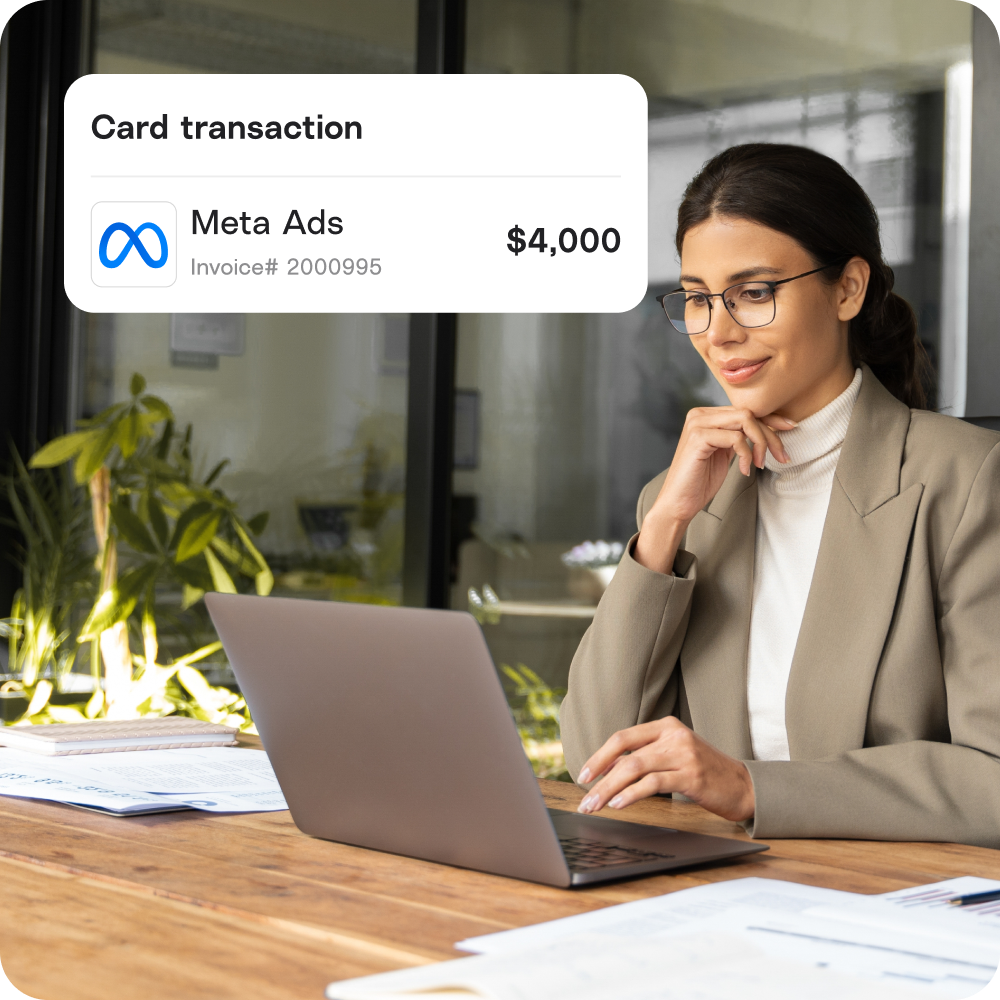


Melio’s Meta Ads integration imports your invoices automatically so you can pay them in a few clicks—including by credit card, even if Meta won’t accept it directly.*

Melio allows you to pay for Meta Ads by card even when Meta won’t accept cards. Earn rewards, miles, or cashback on every dollar of ad spend and hold onto cash for up to 45 days.
Melio syncs with your Meta Ads account so that your invoices can be paid easily. No uploading, no copy-pasting. You can also add your Amazon Business account to manage all your invoices in one place.
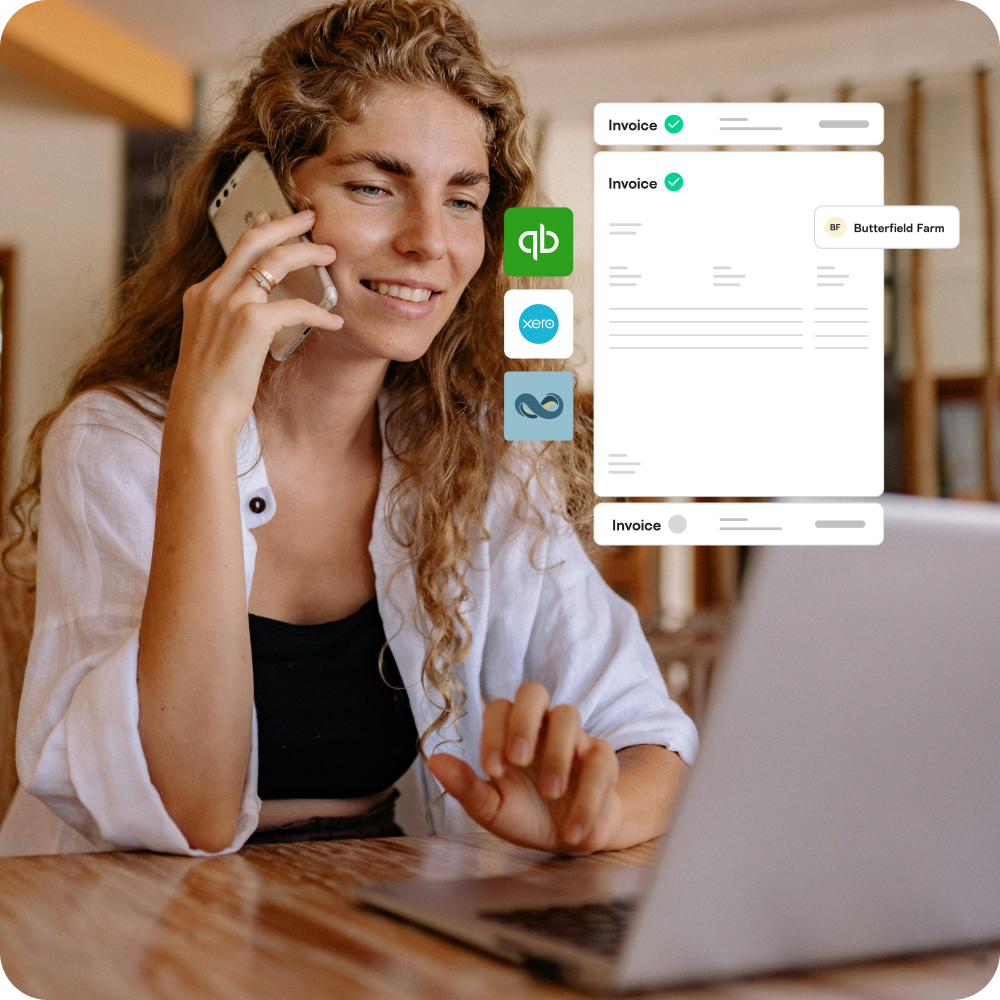
Melio syncs with QuickBooks Online, Xero, and NetSuite so your invoices and payments are always up to date—no double entry and no manual reconciliation required.
Once connected, all your Meta Ads invoices will be automatically imported to Melio.
Pay multiple Meta Ads bills in a few clicks–by card, ACH, or instant transfers. We have your Meta Ads specific remittance details.
Connect your accounting software or upload other bills. Pay them however you want with Melio.
Once connected, all your Meta Ads invoices will be automatically imported to Melio.
Pay multiple Meta Ads bills in a few clicks–by card, ACH, or instant transfers. We have your Meta Ads specific remittance details.
Connect your accounting software or upload other bills. Pay them however you want with Melio.
Set up approval workflows so the right people sign off on every payment.
Pay multiple bills to the same vendor at once—saving you time avoiding double fees.
Pay overseas vendors in USD or their local currency, straight from Melio.
Run your bill pay on the go with the Melio app.
We reduce the risk of fraud by using automated solutions to flag high-risk transactions and activity.
Keep your vendors happy and your cash flowing with instant or same-day transfers.
Yes. When you connect your Meta Ads account to Melio, your invoices are automatically imported into your Bills tab where they are ready to be paid according to your preferences.
Beyond Meta Ads, you can pay Google Ads, LinkedIn Ads, and other major advertising platforms through Melio. You can also connect your Amazon Business or Gmail account to automatically import invoices from other vendors—all in one place.
Melio lets you pay your Meta Ads invoices by credit card, debit card, or ACH bank transfer—whichever works best for you.
Connecting your Melio and Meta Ads accounts is quick and easy. Simply follow these steps:
Yes. The connection uses a secure OAuth flow. You log in directly through Meta, and Melio never sees or stores your Meta password. Melio is SOC 2 Type II certified, PCI DSS compliant, and uses AES-256 encryption to keep your data protected.
Yes. Melio syncs with Xero, NetSuite, QuickBooks Online, and QuickBooks Desktop.
Do Not Sell Or Share My Personal Information.
To submit a request to opt out of sale/sharing of your personal information, please submit the form below.
If you are a resident of California, you have the right to opt-out of the selling or sharing of your personal information. To exercise this right, please provide your State and Country of residency. Please note that when you submit an opt-out we do not know who you are within our systems, and your opt-out will apply only to information collected from tracking technologies on the specific browser from which you opt-out. If you delete or reset your cookies, or use a different browser or device, you will need to reconfigure your settings. If you want the opt-out to apply to information we have about you in our systems, such as your email address, please also provide your full name, email address, and phone number. Any information you provide below will not be used, disclosed, or retained for any purpose other than processing the request to opt-out of sale/sharing.
You can learn more about your rights in our Privacy Policy.
This site is protected by reCAPTCHA and the Google Privacy Policy and Terms of Service apply.
Please take a few minutes to fill out this form and our team will be in touch about building a plan that suits your needs, pending eligibility.
By submitting this information you are accepting our Privacy Policy
This site is protected by reCAPTCHA and the Google Privacy Policy and Terms of Service apply.
Earn $300 for every client you add to Melio. Plus, give the client 2 years of Melio’s Unlimited plan for free if you add them by October 15 using the code UNLIMITED_CLIENT.
Terms apply: Referral program Coupon code