








Connect a card

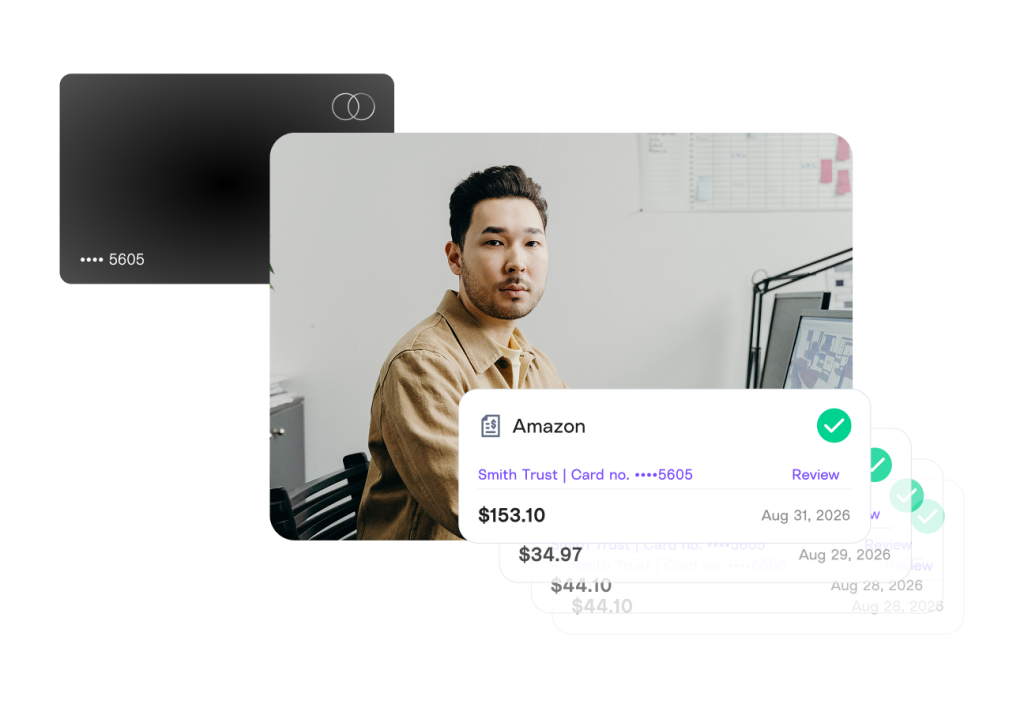
Connect the cards you or your clients already use for business expenses. No new card needed.


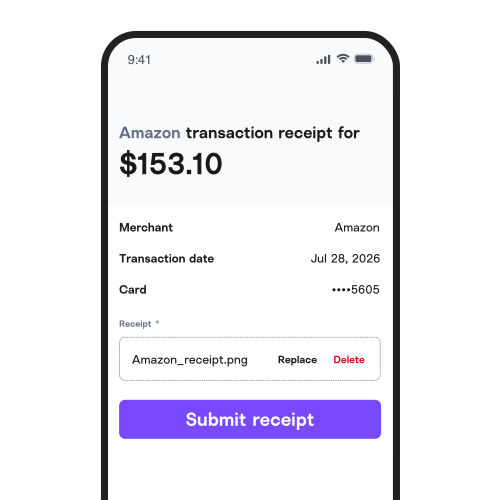
Connect the cards you already use, and the moment someone spends*, they’ll get a prompt to snap the receipt straight to your account, ready for review. No new card, no new app, no more chasing.

Connect the cards you or your clients already use for business expenses. No new card needed.
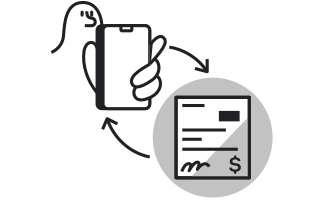
Every time the card is used, the spender will get a text or email prompting them for the receipt.
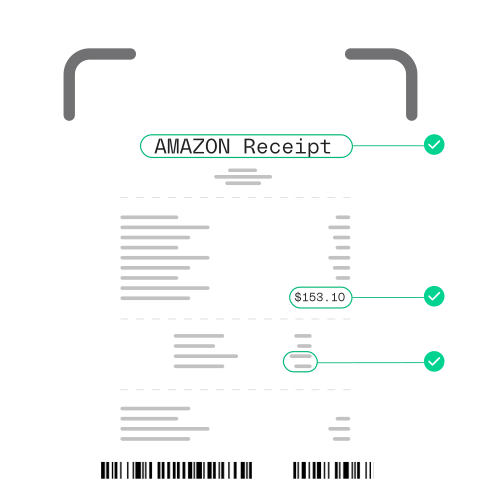
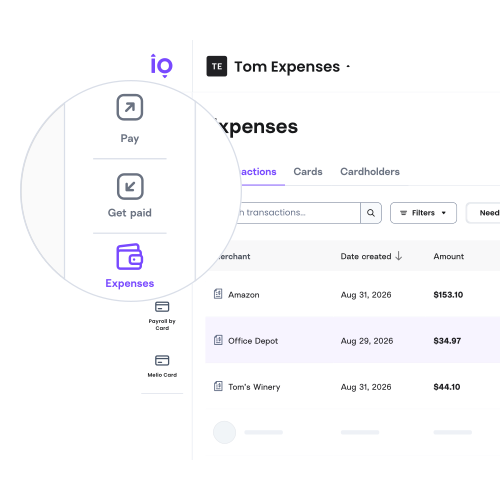
Receipts get automatically stored and categorized for review and coding, and are synced with your accounting software.
Whether you’re running a business or running the books for clients, Melio’s expense management software is built for how you already work.
Get back the hours lost to chasing and coding receipts. Manage expenses right alongside your bills, while keeping the cards and rewards you already have.
Stop chasing client receipts. Clients keep their cards and rewards, and capture receipts with a simple real-time* prompt. No new app or training needed.
The moment a business purchase is made, spenders get prompted for a receipt via text or email—which they can then upload from their phone. No new app to open, no new account to create.
Lighten your expense report load. Every receipt gets stored for easy review and coding, and then synced automatically to Xero or QuickBooks.
Melio’s expense management solution allows you to add the credit or debit card you or your clients already use. No new card needed.
Manage expenses and bill payments in one place with Melio’s full suite of AP and AR payment solutions. No separate login required.
Client expense management shouldn’t slow you down. With Melio, receipts and context arrive already attached, so month-end close takes less time—freeing you up to provide more high-value advisory services to your clients.
Cardholders capture the receipt and the context the moment they spend. You review and code it all in one place.
Clients can keep the card they already use without losing their rewards. No new card or app needed.
Automatic accounting software sync means less time spent on busywork and more time spent on advisory work
Expense management is how a business tracks, categorizes, and records what it spends, from purchase to bookkeeping. Melio Expense Management does this automatically: cardholders get a text and/ or email when they spend, and the receipt gets uploaded through a simple link.
Expense management brings real advantages to a growing business, and to the accountants who serve them. Here are the biggest ones:
Time-saving: Automating receipt capture and coding means fewer hours lost to chasing paper and building expense reports by hand.
Fewer mistakes: With less manual entry, you reduce miscategorized transactions and missing receipts.
Faster month-end close: Real-time visibility into what’s been spent, and by whom, means less cleanup before the books close.
Stronger client relationships: For accounting firms, not asking clients to switch cards or learn a new app keeps onboarding painless.
Better tax readiness: Recorded receipts and categorized expenses mean fewer surprises come tax season.
Managing bills and expenses in one place: Less logins, less passwords, and less juggling between platforms.
Managing expenses with Melio follows a simple flow:
You can also set whether cardholders get SMS and/or email alerts, how often they receive them, or turn alerts off entirely.
Yes, you can use the cards you already have to manage expenses with Melio. There’s no new card to apply for and nothing to switch. Melio works with the cards, and the rewards, you’re already using.
No, employees and cardholders don’t need to download anything. Receipt capture works by a simple real-time prompt*: they get a message when they spend, and a reply is all it takes.
Yes, Melio connects seamlessly with QuickBooks and Xero, keeping your books synced so your accounting stays clean, consistent, and easy to manage. If your accounting software isn’t synced, you can export your expenses instead.
Yes, accounting firms and bookkeepers can manage expenses across their clients from one account, with roles and permissions to control who sees what. Learn more here.
Expense management is included at no extra cost. Learn more on our pricing page.
Do Not Sell Or Share My Personal Information.
To submit a request to opt out of sale/sharing of your personal information, please submit the form below.
If you are a resident of California, you have the right to opt-out of the selling or sharing of your personal information. To exercise this right, please provide your State and Country of residency. Please note that when you submit an opt-out we do not know who you are within our systems, and your opt-out will apply only to information collected from tracking technologies on the specific browser from which you opt-out. If you delete or reset your cookies, or use a different browser or device, you will need to reconfigure your settings. If you want the opt-out to apply to information we have about you in our systems, such as your email address, please also provide your full name, email address, and phone number. Any information you provide below will not be used, disclosed, or retained for any purpose other than processing the request to opt-out of sale/sharing.
You can learn more about your rights in our Privacy Policy.
This site is protected by reCAPTCHA and the Google Privacy Policy and Terms of Service apply.
Please take a few minutes to fill out this form and our team will be in touch about building a plan that suits your needs, pending eligibility.
By submitting this information you are accepting our Privacy Policy
This site is protected by reCAPTCHA and the Google Privacy Policy and Terms of Service apply.