

How To Pay Your International Vendors With Melio
Pay your international vendors in USD or local currency, all from the same place you pay every bill.

Key takeaways
- Pay international vendors from the same Melio workflow you already use for domestic bills.
- Choose U.S. dollars or your vendor’s local currency across 15 supported currencies.
- Save on fees with a flat $20 international transaction fee when you pay in U.S. dollars.
What to consider before paying international vendors
Three things shape how you pay a vendor abroad: cost, speed, and currency.
- Cost: Bank fees and exchange-rate markups add up quickly.
- Speed: Some methods take several days to arrive.
- Currency: Your vendor may prefer to be paid in their local currency.
Melio lets you handle all three from the same place you pay your domestic bills.
How to pay an international vendor with Melio
You pay an international vendor with Melio the same way you pay a domestic bill. You get one simple, reliable, and trackable system to manage every payment, both domestic and international, on a single platform. Here is the workflow:
- Add your bill.
- Select Bank Account as your payment method.
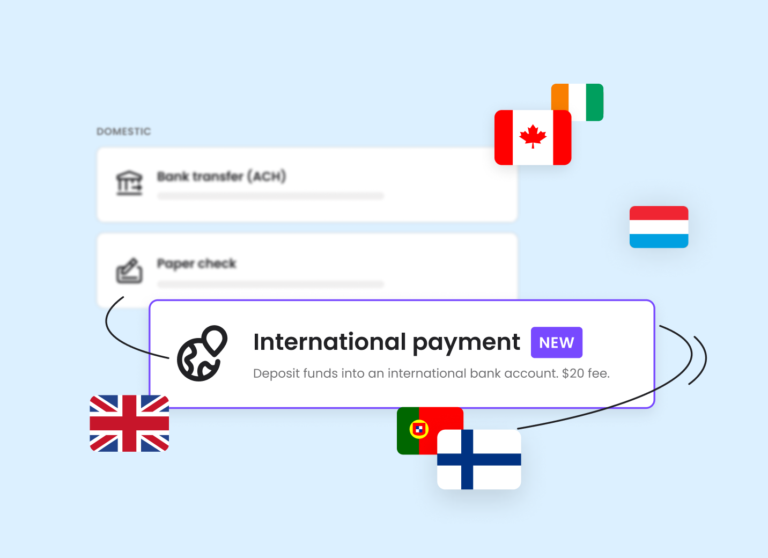
- Pick International Payment when asked how your vendor would like to get paid.
- Add your vendor’s international details and schedule the payment as usual.
If the country you’re looking for isn’t currently supported, we’ll let you know as soon as it becomes available. For a full walkthrough, see the step-by-step instructions.
International payment costs and fees
What it costs: Melio charges a flat fee of $20 per international transaction when you pay in U.S. dollars. By comparison, outgoing international bank wires often cost upwards of $50 per transaction.
That flat fee adds up to significant savings over time, so SMBs get the same value as larger enterprises when sending payments. Paying by card adds a separate card fee.
Supported countries and currencies
Where you can send payments: Melio supports vendors in over 70 countries across Asia-Pacific, Europe, Latin America, and more, including:
- Canada
- The U.K.
- Mexico
- Japan
- China
- Australia
Pay in U.S. dollars or your vendor’s local currency across 15 supported currencies, including EUR, GBP, CAD, and AUD. That means your vendor gets paid the way they prefer, and you avoid juggling separate tools for cross-border bills.
Start paying your international vendors
Now that you can pay all your business bills, both within and outside the U.S., with Melio, you no longer need to alternate between payment platforms. Keep your vendors happy no matter where they are in the world with a safe, familiar, and fast way to pay.
International vendor payment FAQs
What is the easiest way to pay an international vendor?
The easiest way is an online payment platform that lets you pay from your bank account and schedule the payment like any other bill. With Melio, you use the same workflow you already use for domestic payments.
Can I pay an international vendor in their local currency?
Yes. You can pay in U.S. dollars or in your vendor’s local currency across 15 supported currencies, including EUR, GBP, CAD, and AUD.
How much does it cost to pay an international vendor with Melio?
Melio charges a flat fee of $20 per international transaction when you pay in U.S. dollars. Paying by card adds a separate card fee.
*This blog post is intended for informational purposes only and is not intended as financial advice.
**Melio does not provide legal, tax or accounting advice, and you should consult with a professional advisor before making any financial decisions.

Top Cash Flow Management Strategies And Best Practices For SMBs
Learn practical cash flow management strategies to keep your small business steady and ready to grow.

How to Reduce AP Processing Time: Practical Tips for Finance Teams
Learn practical ways to cut AP processing time and pay vendors faster.

How AP Automation Improves Business Cash Flow
See how AP automation frees up cash, speeds approvals, and gives you real control over when money leaves your business.

