

How To Manage Remote Accounting Teams Effectively
Learn practical ways to keep your remote accounting team productive, connected, and secure.


- Key takeaways
- The hybrid question: solution or complication?
- How to actually manage a remote team (without losing your mind or your culture)
- Protect financial data across a remote team
- About apps (and app fatigue)
- Train managers for a remote-first world
- It’s a work in progress
- Remote accounting team FAQs
Key takeaways
- Design your team’s communication rules up front so remote work does not turn every message into an interruption.
- Lead with trust by judging output over hours online, and pair that trust with clear expectations and support.
- Protect client data with multi-factor authentication, a password manager, and a VPN, and write these steps into your SOPs.
- Invest in manager training so leaders can build trust and spot problems without relying on in-person cues.
The hybrid question: solution or complication?
Hybrid work mixes in-office and remote days. It can balance flexibility and connection, but only with clear rules. But talk to any manager managing a remote team or running a hybrid team, and you’ll hear about the two-culture problem:
- The in-office crowd gets the spontaneous chats, the visibility, and the unplanned mentorship.
- The remote crew? They get the scheduled calls, the Slack pings, and the nagging worry they’re missing out.
Hybrid isn’t the best of both worlds by default. It’s a new world that needs its own rules. Without intention, you risk invisible hierarchies, uneven opportunities, and a subtle drift back to out of sight, out of mind.
How to actually manage a remote team (without losing your mind or your culture)
Let’s skip the generic “have more Zoom meetings” advice. Here’s what actually works for accounting firm management, from firms that’ve made remote (or hybrid) work work:
1. Design communication — don’t just let it happen
We’ve all seen the “this meeting could have been an email” memes and let’s be honest, sometimes we’ve starred in them. Remote work only raises the stakes. Suddenly, every ping, call, or invite can feel like an interruption.
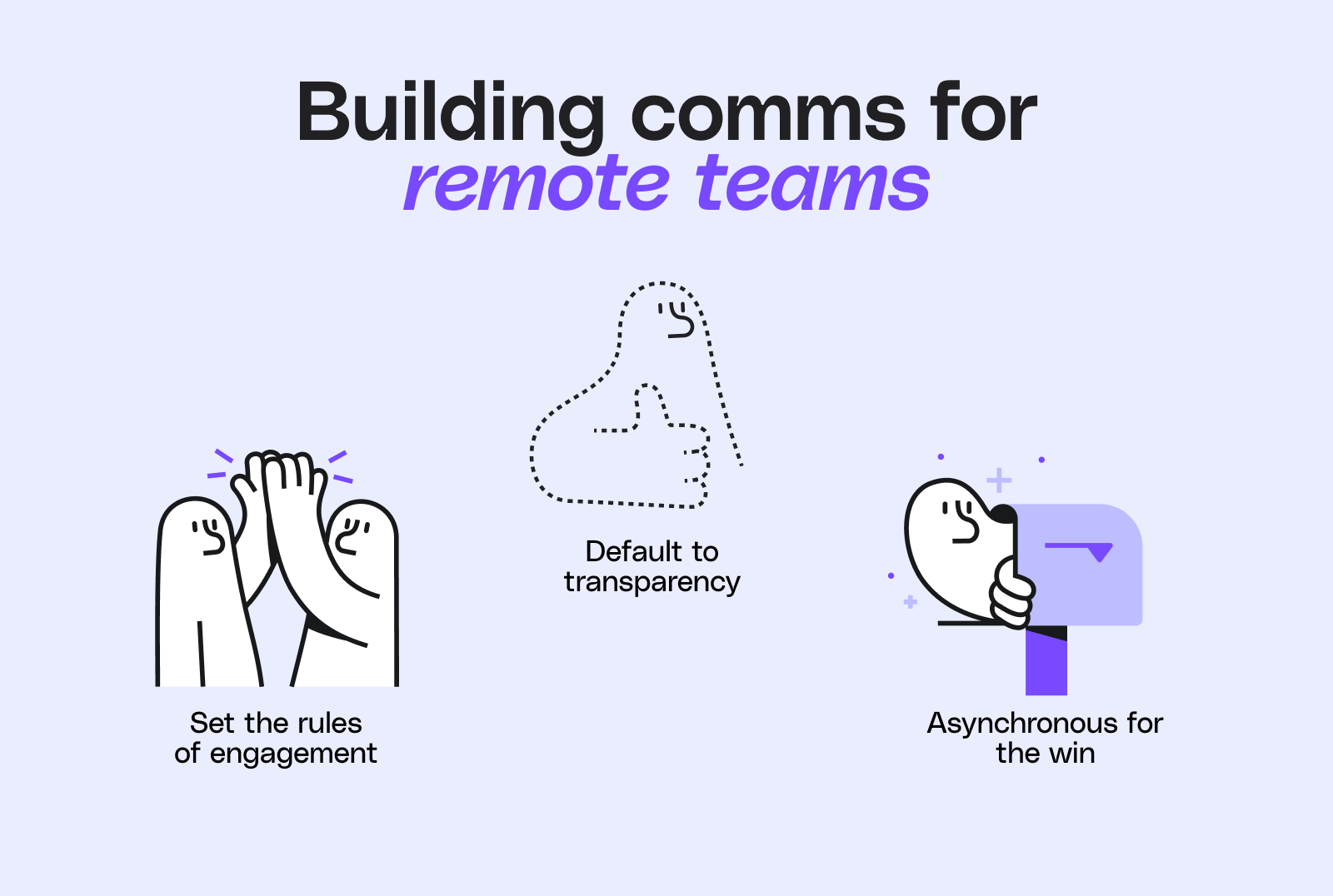
- Set the rules of engagement: What’s urgent (call), what’s not (email), what’s for group chat? Make it explicit.
- Default to transparency: Share updates, wins, and even mistakes in public channels so everyone learns together.
- Asynchronous for the win: Not everything needs a meeting. Use recorded video updates, shared docs, or voice notes so people can catch up on their own time — without adding another “could have been an email” to the pile.
2. Trust your team, but don’t leave them guessing
Trust is the foundation of remote management. Judge people by output, not by how often they appear online. Trust becomes the foundation of collaboration, but it works best when paired with clear expectations and thoughtful support.
- Ditch the butts in seats mindset: Judge by output, not hours online. Nobody needs to prove they’re working by replying to emails at midnight.
- Give clarity, not micromanagement: Be crystal clear about goals, deadlines, and what success looks like, just like you do for your clients. Then get out of the way.
- Check in, don’t check up: Regular one-on-ones are for support, not surveillance. No one wants to feel like they’re on probation because they work from home.
3. Set the standards, then let people flex
If you’ve ever spent 10 minutes searching for “final_final_v2.xlsx,” you know why we’re suggesting standardizing processes for remote accounting. But let’s be real: nobody wants to wade through a 50-page manual just to send an invoice.
- Document your processes: This is the biggie, so let’s really get into it.
We’ve all been there — wondering how to onboard a client, handle a tricky reconciliation, or submit expenses, and not wanting to ping someone for the hundredth time. SOPs (Standard Operating Procedures) keep quality consistent when people work at different times and places. Think of them as your team’s “how we do things here” playbook: clear, step-by-step guides for your most important workflows.
In other words: even the best intentions can’t save you from a messy process. SOPs are the safety net that keeps quality (and sanity) intact — especially when people are working from different places and at different times.
Where should you build them?
Keep it simple and accessible. Google Docs, Notion, your favorite workflow tool, or a shared folder in your document management system all work well. The key is that everyone knows where to find them, and that they’re actually kept up to date. Bonus points for using screenshots, short Loom videos, or checklists to make things even clearer and easier to follow.
- Invest in secure, shared tech: Cloud-based tools, password managers, and clear data protocols are non-negotiable. Your SOPs should spell out which tools to use for what, and how to keep client data safe.
- Let people personalize their workflow: If someone works best from 7–3 and another from 11–7, as long as the work gets done, does it matter? (Spoiler: it doesn’t.) SOPs can set the what and how, and leave room for people to choose the when.
Real talk: No one’s going to memorize every SOP. But when things go sideways (or you’re onboarding someone new), you’ll be glad you wrote it down.
4. Weave culture into every day
Mandatory fun on Zoom isn’t for everyone. Luckily, remote culture is about more than forced fun and “virtual team building.”
Here are a few things we’ve seen work for real teams:
- Recognition in team meetings: Start or end your weekly call with a round of shoutouts — big wins, small wins, or just someone who helped out a teammate. Recognition lands even better when it’s public and specific.
- Dedicated Slack (or Teams) channels for culture: Create spaces for #wins, #kudos, #random, or even #petsofmelio. These channels give people a place to share good news, swap stories, or just post a funny meme when they need a laugh.
- Wins of the week threads: Every Friday, invite everyone to drop one thing they’re proud of — work-related or not. It’s a low-pressure way to celebrate progress and build connection.
- Virtual coffee chats or donut pairings: Use tools like Donut (for Slack) to randomly pair team members for a 15-minute virtual coffee or catch-up. It’s a great way to break down silos and help new hires feel included.
- Storytelling moments: Set aside time in all-hands meetings for someone to share a client win, a challenge they overcame, or even a funny tech fail. These stories help people connect on a human level.
- Intentional mentorship: Go beyond “reach out if you need help.” Pair juniors and seniors for regular check-ins, or set up rotating office hours where anyone can drop in for advice.
Pro tip: The best culture-building isn’t about big, expensive events — it’s about small, consistent rituals that make people feel seen and valued, wherever they’re working from.
5. Spot remote team problems early (then actually talk about them)
If a client suddenly stopped replying to emails or went silent after a big project, you’d notice right away. You’d reach out, check in, and try to get ahead of any issues before they snowballed. Your team deserves the same proactive attention.
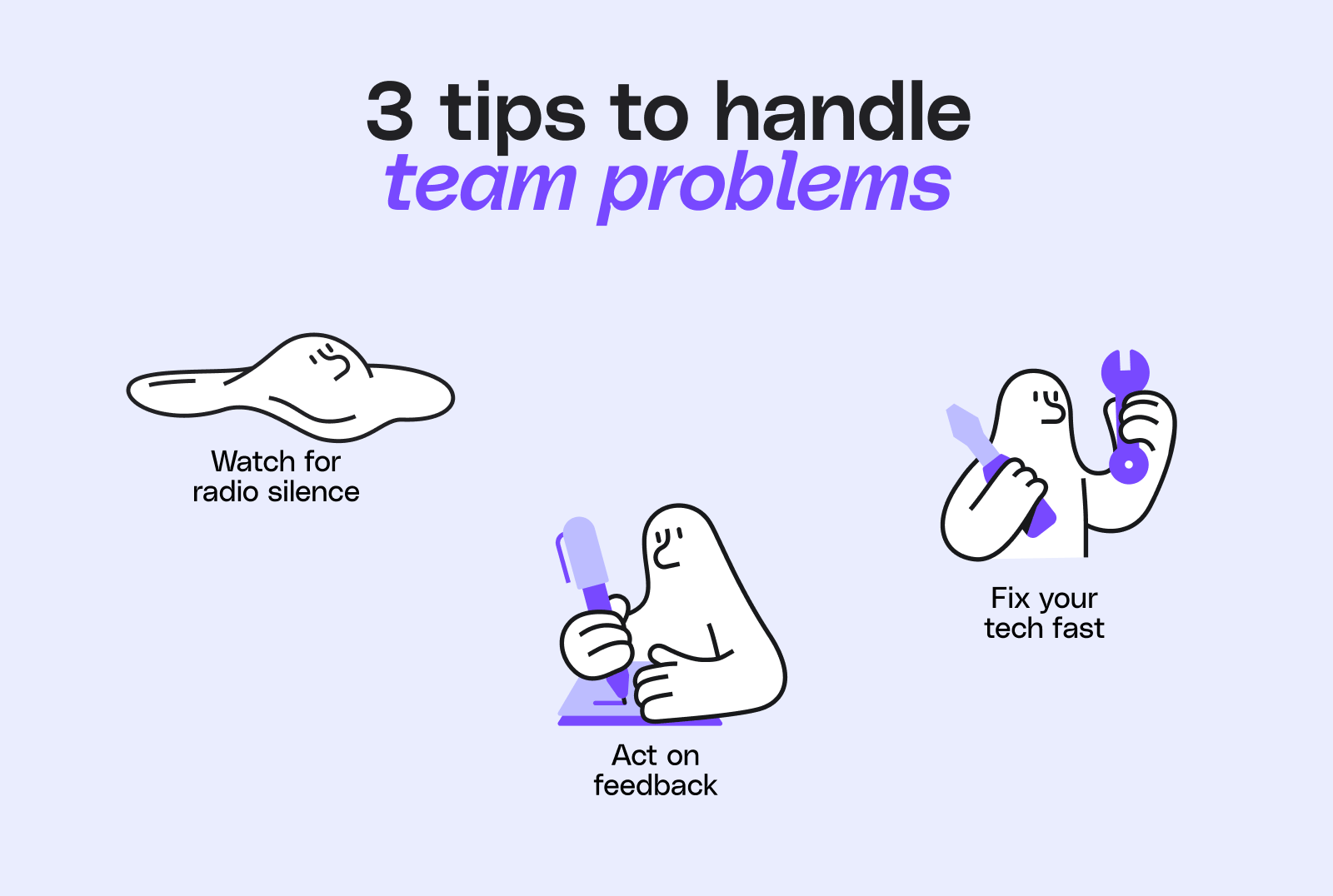
- Watch for radio silence: If someone’s gone quiet, check in. Don’t assume all is well.
- Ask for feedback, then act on it: Pulse surveys, anonymous suggestion boxes, or just a standing “what’s not working?” agenda item. If you ask, be ready to listen.
- Fix tech issues fast: Nothing kills morale like a broken VPN or a clunky workflow. If you wouldn’t tolerate it in the office, don’t settle for it remotely.
Quick self-check:
- When was the last time you checked in with a team member just to see how they’re doing — outside of project updates?
- Do you have a way for team members to raise concerns privately or anonymously?
6. Make career growth accessible from anywhere
Just because you’re not in the office doesn’t mean your career should be on mute. Out of sight shouldn’t mean out of mind.
- Make advancement visible: Spell out what it takes to get promoted or take on new responsibilities, and make sure it’s achievable from anywhere. Share clear criteria and timelines for progression so remote team members know exactly what’s expected.
- Check in on career goals: Make career development a standing topic in one-on-ones, not just an annual review item. Ask: “What skills do you want to build next?” or “Where do you want to be in a year?”
- Offer learning opportunities: Online courses, project rotations, or even lunch and learns over video. Growth shouldn’t depend on being in the right place at the right time. Encourage team members to set personal development goals and support them with a learning budget or access to relevant webinars and conferences.
- Recognize contributions publicly: So remote folks aren’t invisible when it comes time for raises or recognition. Shoutouts travel just as far over Wi-Fi. Use team meetings, chat channels, or company newsletters to highlight great work and celebrate milestones.
Protect financial data across a remote team
Remote accounting teams handle sensitive client data every day, so security has to come first. A few clear habits keep that data safe wherever your team works.
- Use a password manager: Give everyone a simple way to store and share strong, unique passwords.
- Turn on multi-factor authentication: Add a second check so a stolen password is not enough to get in.
- Require a VPN on unsecured networks: Protect connections when people work from home or on the go.
- Train the team to spot phishing: Many breaches start with one convincing email, so regular reminders pay off.
Write these rules into your SOPs so security stays consistent, not something people guess at. When the basics are automatic, your team can focus on the work instead of worrying about risk.
About apps (and app fatigue)
We know you’re not short on software recommendations. If you’re like most accountants, you’ve probably trialed more apps in the last year than you care to admit — and your inbox is overflowing with pitches for “the next big thing.”
App fatigue is very real. Most firms already have a tech stack that works (or at least, mostly works), and adding yet another tool can feel more exhausting than exciting.
So, rather than serving up another list of must-haves, we’ll just say this: Choose tools that genuinely make life easier for your team and your clients. If something solves a real problem, integrates smoothly with what you already use, and doesn’t require a PhD to operate, it’s probably worth considering. If not? You have permission to ignore the hype.
- Solves a real problem: it removes work rather than adding it.
- Integrates: it fits the stack you already use.
- Simple: your team can use it without training.
At the end of the day, it’s not about how many apps you use — it’s about how well they fit your practice and your people. That’s why Melio connects with the accounting tools your team already uses, so payments take less time and free you up for client work.
Curious how Melio could help your firm or your clients? Book a quick, no-pressure session with a Melio specialist to see how it works, ask questions, and find out if it’s a fit for you.
Train managers for a remote-first world
Managing a remote team (or a hybrid one) isn’t just business as usual but on Zoom. It’s a different skillset — one that even the best in-office leaders need to learn. Remote managers have to build trust without hallway chats, spot disengagement through a screen, and create clarity when body language and office buzz are missing.
If you want your team to thrive, invest in helping managers grow these skills. Give them space to share what’s working (and what’s not), encourage them to ask for help, and provide practical training that goes beyond the basics.
Looking for inspiration?
We’re big fans of Heather Elkington, founder of Fresh Leadership World. Heather’s worked with everyone from FTSE 100 execs to new managers, and she’s known for her practical, people-first approach to leadership — especially in the accounting world. Her free weekly newsletter is packed with real-world tips on everything from tackling imposter syndrome to having tough conversations, and it’s a must-read for anyone leading a team (remote or not).
It’s a work in progress
The way we work in accounting is still evolving — and that’s a good thing. The firms that succeed won’t be the ones with the fanciest offices or the most apps, but the ones that keep experimenting, keep listening, and keep putting people first. Remote, hybrid, or somewhere in between: it’s not about where you work, but how you work together.
Ready to give your remote team one less thing to manage? Sign up for Melio and simplify how your firm pays bills and gets paid.
Remote accounting team FAQs
How often should a remote accounting team meet?
Most remote accounting teams do well with a short weekly check-in for the whole team and regular one-on-ones for support. Add quick calls around deadlines, and keep everything else asynchronous so people can focus.
What tools does a remote accounting team need?
At a minimum, a remote accounting team needs cloud accounting software, a shared way to chat and meet, and a place to store SOPs. Choose tools that fit the stack you already use so you avoid app fatigue.
Is a hybrid or fully remote model better for accounting firms?
Neither model is better by default. Fully remote widens your hiring pool, while hybrid can add in-person connection, so the right choice depends on your team and clients. What matters most is setting clear rules for whichever model you pick.
How do you keep client financial data secure with a remote team?
Keep client data secure by requiring multi-factor authentication, a password manager, and a VPN on unsecured networks. Train the team to spot phishing, and write these steps into your SOPs so they happen every time.
*This guide is intended for informational purposes only and is not intended as financial advice.
**Melio does not provide legal, tax or accounting advice, and you should consult with a professional advisor before making any financial decisions.

