










Faster payments
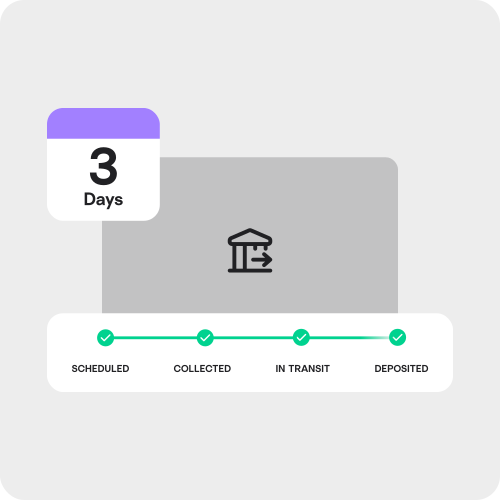
Melio ACH payments arrive within 3 business days.1 ACH payments on QuickBooks Bill Pay can take up to 5 business days.


Both Melio and QuickBooks Bill Pay offer core AP features such as bill payment, invoice capture, and approval workflows. Melio, however, is faster, simpler, and offers many more ways to pay and get paid with full QuickBooks syncing capabilities—it’s truly the best of both worlds. Last updated: February 2026


Melio ACH payments arrive within 3 business days.1 ACH payments on QuickBooks Bill Pay can take up to 5 business days.
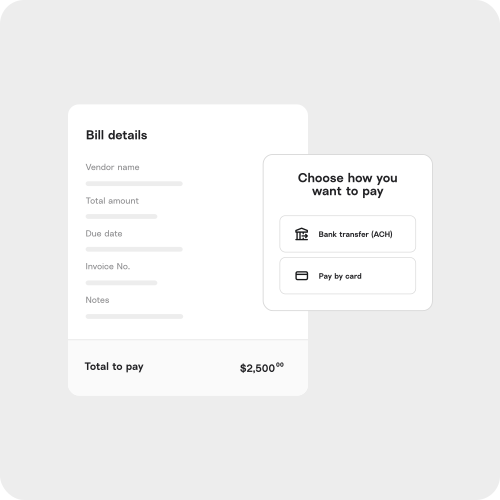
Melio lets you pay any vendor by ACH or card, and offers instant payments and faster check delivery (5 vs. 12 days) for improved cash flow. Unlike QuickBooks Bill Pay, which lacks instant payment and pay-by-card capabilities.
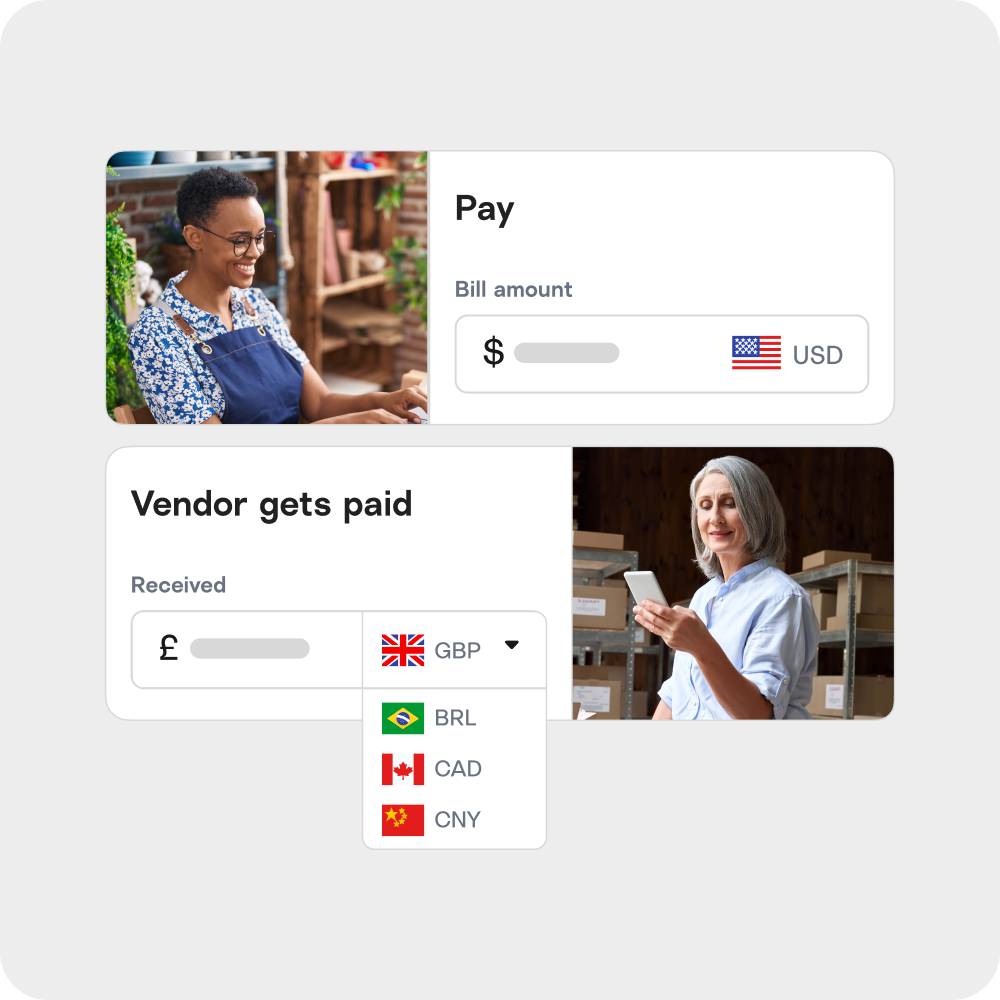
Melio allows you to make international payments in USD or local currencies. QuickBooks Bill Pay is limited to domestic vendors only.
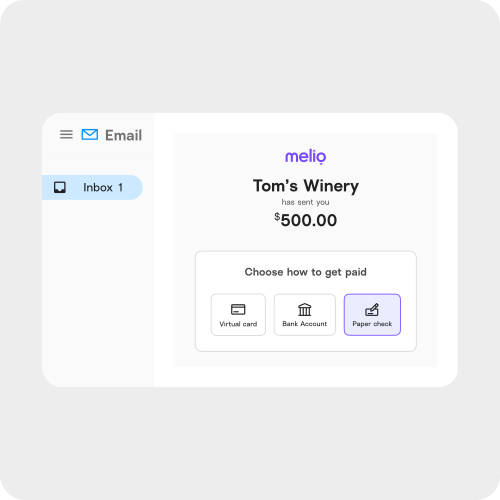
Melio allows vendors to get paid without signing up. In contrast, QuickBooks Bill Pay requires vendors to complete a lengthy onboarding process just to receive payments.

Hours saved on bill pay every month (average)
Bills paid on time through our platform
Dollars we processed securely
Vendors that got paid
*Based on internal data, user surveys, and company records.
Learn how to pay international vendors and invoices simply, choosing the method that fits your business.
Discover the top B2B payment trends reshaping how businesses pay, get paid, and manage cash flow today.
Learn what ACH payments are, how they work, what they cost, and how to set them up for your business.
No. With Melio, you can pay vendors without requiring them to register—making onboarding seamless. QuickBooks Bill Pay, on the other hand, requires vendors to sign up.
Yes. All Melio plans include sync capabilities with QuickBooks Online. Melio Boost and Melio Unlimited feature QuickBooks Desktop support as well.
Yes. Unlike QuickBooks Bill Pay, Melio lets you pay any vendor by card—even if they only accept checks or bank transfers.2
Yes. Melio allows international payments in both USD and foreign currencies, which QuickBooks Bill Pay does not support.
ACH payments take 3 business days and checks arrive in 5 business days—faster than QuickBooks Bill Pay, which can take up to 10 days for checks.
Do Not Sell Or Share My Personal Information.
To submit a request to opt out of sale/sharing of your personal information, please submit the form below.
If you are a resident of California, you have the right to opt-out of the selling or sharing of your personal information. To exercise this right, please provide your State and Country of residency. Please note that when you submit an opt-out we do not know who you are within our systems, and your opt-out will apply only to information collected from tracking technologies on the specific browser from which you opt-out. If you delete or reset your cookies, or use a different browser or device, you will need to reconfigure your settings. If you want the opt-out to apply to information we have about you in our systems, such as your email address, please also provide your full name, email address, and phone number. Any information you provide below will not be used, disclosed, or retained for any purpose other than processing the request to opt-out of sale/sharing.
You can learn more about your rights in our Privacy Policy.
This site is protected by reCAPTCHA and the Google Privacy Policy and Terms of Service apply.
Please take a few minutes to fill out this form and our team will be in touch about building a plan that suits your needs, pending eligibility.
By submitting this information you are accepting our Privacy Policy
This site is protected by reCAPTCHA and the Google Privacy Policy and Terms of Service apply.
Earn $300 for every client you add to Melio. Plus, give the client 2 years of Melio’s Unlimited plan for free if you add them by October 15 using the code UNLIMITED_CLIENT.
Terms apply: Referral program Coupon code