

How To Use A Virtual Card: One and In-store Guide
Learn how to create and use a virtual card to pay online, shop in store, and keep your details private.


- Key takeaways
- What is a virtual card?
- How does a virtual card differ from a physical card?
- Types of virtual cards
- Virtual cards vs. digital wallets
- Benefits of using a virtual card
- How to get a virtual card
- How to use a virtual card for online purchases
- How to use a virtual card in store
- How to manage your virtual card
- Best practices for virtual card usage
- A smarter way for businesses to pay by card
- Virtual card FAQs
Key takeaways
-
Generate a virtual card in minutes through your bank or a payment platform, with no wait for mail.
-
Pay online by entering the card number, and pay in store by adding the card to a digital wallet.
-
Protect your real card details and set spending limits to control how your business pays.
-
Close virtual cards you no longer use to lower fraud risk and keep your records accurate.
What is a virtual card?
A virtual card is a digital version of a credit or debit card. It has its own 16-digit number and three-digit security code. That way, you can pay online without exposing your physical card details.
It works almost exactly like the plastic card in your wallet, and you can use it both online and offline. The main difference is that a virtual card gets generated online instantly, and sometimes sent by email. A physical card, on the other hand, arrives by mail.
How does a virtual card differ from a physical card?
A virtual card differs from a physical card because it’s generated digitally and isn’t something you hold in your hand. Here’s what else sets it apart.
-
You can use a virtual card the instant it’s generated. A physical card only works once it arrives by mail.
-
Your physical card might carry your bank’s information, but a virtual card doesn’t.
-
We usually keep the same physical card for years. Virtual cards can be temporary, or even generated for one-time use.
Types of virtual cards
A virtual card comes in a few types, each suited to a different way of paying. Maybe you love the idea of virtual cards but wonder what your options are. This list can help.
Single-use virtual cards
Single-use virtual cards are basically a one-time credit card. You set the amount the card can be charged, and that’s all anyone can charge you. The cost to use a single-use virtual card is only what you pay per transaction on your POS anyway.
As its name suggests, it can only be used once. If you need to make another virtual payment afterward, you’ll need a new virtual card.
Multi-use virtual cards
Multi-use virtual cards have two use cases. You can use and reuse the same card over and over again. You can also hand it off to someone else.
This helps if you’re moving into another role and someone is taking over your current one. It also helps when a different department needs the virtual card now.
Temporary and permanent virtual cards
Virtual cards are known for being temporary, though that’s not always the case. A short-term card is one of their benefits. You can create one, even a single-use card, to pay for what you need over a set period. Then you can let it expire.
Virtual credit cards can be permanent too, just like physical cards. Paying for subscriptions? Tired of constantly issuing new temporary cards? Issue a permanent virtual card, or set its expiration date far into the future.
Virtual cards vs. digital wallets
A virtual card is a card number, while a digital wallet is an app that stores your cards. They’re both digital, but they play very different roles.
-
Virtual card: A vehicle for payment. You provide its info, like its 16-digit number and three-digit security code, when it’s time to pay. Then the transaction is made.
-
Digital wallet: An app like Apple Pay or Google Wallet that holds your virtual payment methods. When it’s time to pay, you open the app, pull out the payment method you want, and pay.
You don’t hand out your entire physical wallet to a cashier, and a digital wallet works the same way. It stores the virtual cards you’ve connected to it, ready for when you need them.
Benefits of using a virtual card
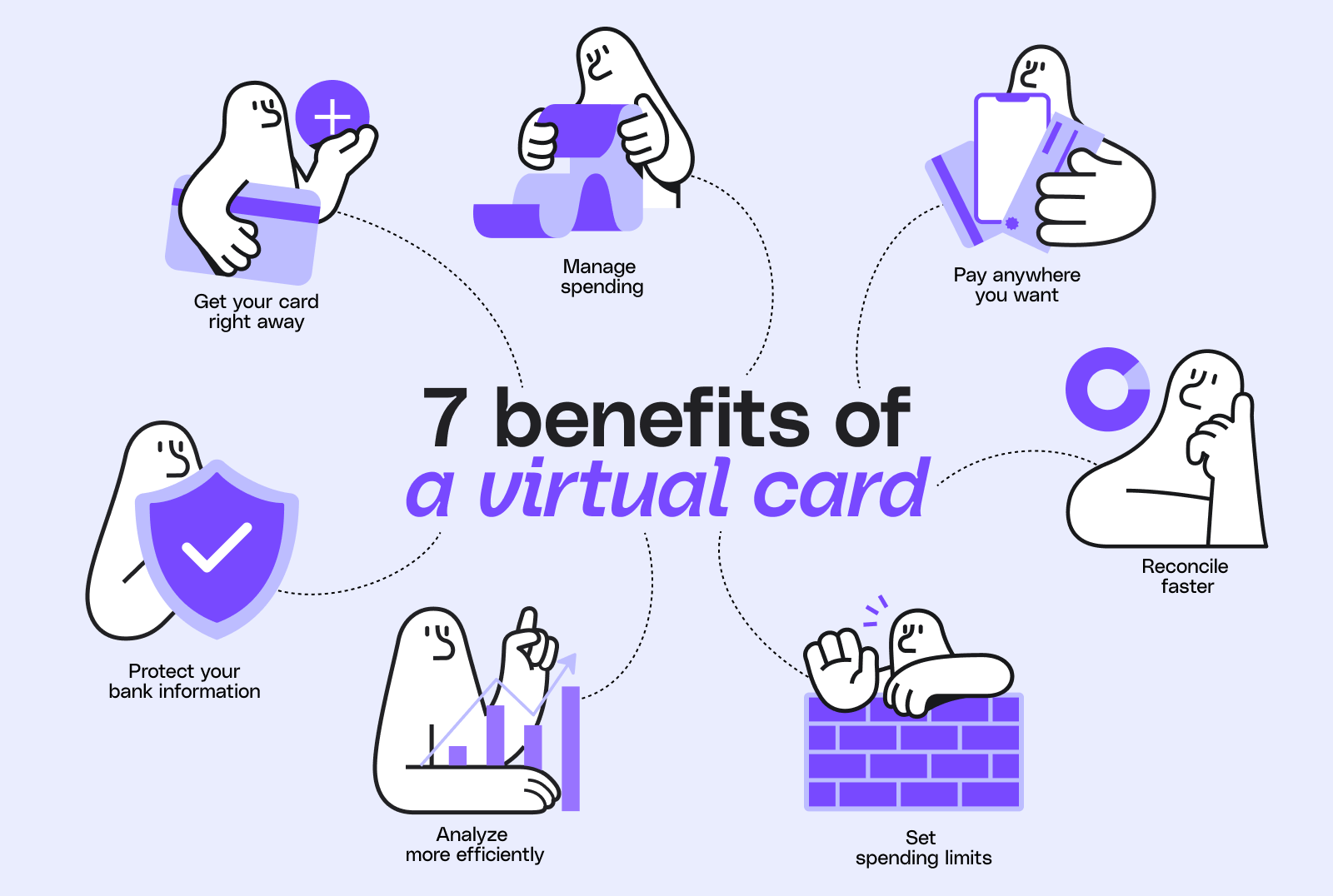
The main benefit of a virtual card is control. You get instant access, better privacy, and cleaner records, all managed online. Here’s what stands out.
-
Instant access: Generate and use your card right away, with no bank appointment or wait for the mail.
-
Pay anywhere you want: Virtual cards are accepted online and off. In a store, the cashier processes it as a card-not-present transaction, though not every store will.
-
Privacy: A virtual card doesn’t expose your bank information. It isn’t even connected to your bank account or physical card.
-
Spending control: Set limits when you issue cards to employees, so no one needs access to your business’s full account.
-
Easier budget management: Allocate funds to specific cards by department, and get a deeper understanding of how it’s all spent.
-
Faster reconciliation: Connect each card to your payment system so matching what was spent, and where, is much quicker.
One of the biggest virtual card differences from other methods is reconciliation speed. Your system can register what was bought, how much it cost, and who it came from. Then it can produce smart insights about your cash flow and upcoming expenses.
How to get a virtual card
You get a virtual card through your bank or an online payment platform, and it takes just a few minutes. Your business can also create its own cards using platforms like Melio.
Through your bank
Some banks already issue virtual credit cards for their customers. To get one, follow these steps:
-
Call or email your bank to find out whether it offers virtual cards.
-
Ask about the process and any requirements to get one.
-
Follow your bank’s steps to generate and access the card.
Through an online payment platform
An online payment platform is often the simplest route. To get a virtual card this way, follow these steps:
-
Sign in to your payment platform, like Melio.
-
Open your card or wallet settings.
-
Select the option to create a virtual card.
-
Copy the new card number to start paying.
Some of the platforms that can help you get a virtual card online include:
-
PayPal
-
Amazon Pay
-
Google Pay
-
Stripe
-
Shopify
-
Melio
When you generate a card through Melio, you get it by email. Melio’s virtual card is issued by JPMorgan Chase, so security is a top priority. You click on get card details to view the information, so nothing sensitive sits in your inbox.
How to use a virtual card for online purchases
You use a virtual card for online purchases by entering its number at checkout, just like a physical card. Here’s how to pay in a few simple steps.
-
At checkout, choose to pay with a credit or debit card. You likely won’t see a virtual card option, since it’s treated the same as a physical one.
-
Provide your card information: card number, CVV code, and expiration date.
-
Add your billing address.
-
Finish the transaction and make the payment as you would with a physical card.
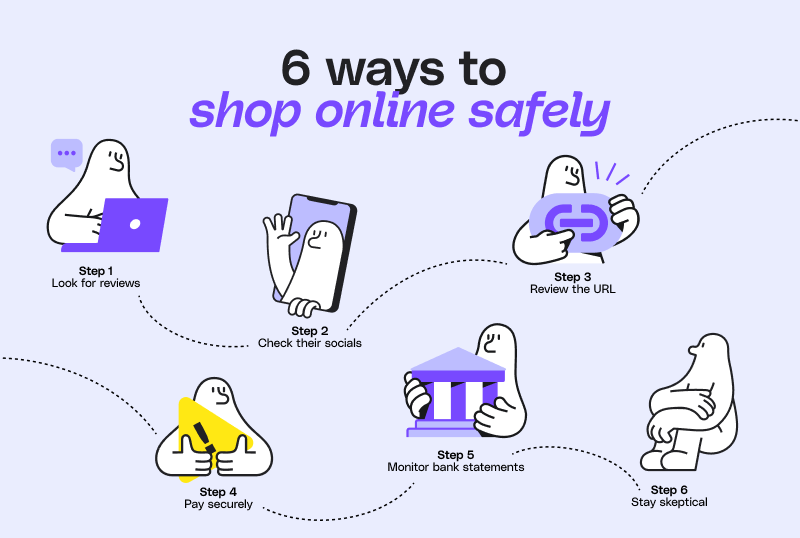
If your virtual card is your entryway to buying online, keep these safety tips in mind.
-
Look for reviews. The easiest way to check a brand’s legitimacy is to find verified reviews on third-party sites. If a business has testimonials, look for real customer photos and specific details that make them believable.
-
Check out the business’s social media. Active social profiles add a layer of trust that there are real people behind the business. You can also read the comments and posts they’re tagged in to see what customers say.
-
Review the URL in the address bar. Look for typos in the business name, which can signal a fake site. Click the padlock in the address bar to confirm a valid SSL certificate. No padlock means it isn’t secure.
-
Use a payment option that keeps your information private. A virtual credit card is a good choice because it doesn’t reveal your physical card or bank account information.
-
Keep track of your statements. Monitor your credit card and bank account so you know only approved transactions went through. If you spot something suspicious, contact your issuer or bank right away.
-
Stay skeptical. If an offer seems too good to be true, it just might be, especially from an unknown vendor. Sometimes it’s worth paying more to buy from a safe source.
How to use a virtual card in store
You use a virtual card in store by adding it to a digital wallet and tapping to pay. Most virtual card numbers are built for online use. So a digital wallet is the usual way to pay in person.
Here’s how to pay at a physical store in three steps.
-
Open your digital wallet app and choose the virtual card you want to pay with.
-
Point your phone at the store’s payment terminal.
-
Enter a password or tap a button to confirm the purchase.
Some stores let you key in the card number manually as a card-not-present transaction. Not every store allows this, so it’s worth checking ahead of time.
How to manage your virtual card
You manage a virtual card from your payment platform, where you can lock, unlock, replace, and delete it. Generating the card is the easy part. Managing it well is what makes the real difference.
-
Lock and unlock: Freeze a card to pause spending, then unlock it when you’re ready to use it again.
-
Replace: Issue a new card number if one is lost or compromised, without touching your main account.
-
Delete: Close cards you no longer use. This lowers fraud risk and keeps your spending reports accurate.
-
Set card policies: Decide which roles can access cards and how often they can use them. You also set how much they can spend and what they can buy.
-
Create strategic controls: Use a platform that lets you monitor transactions in real time, review reports, and analyze usage.
Best practices for virtual card usage
The best virtual card practices come down to setting clear policies and reviewing usage often. A few habits set your business up for success.
-
Set policies and readjust as needed. Monitor how cards are used so you can readjust. Some roles may need more budget or access, while others need less, and some cards can be reassigned elsewhere.
-
Confirm your vendor accepts cards by email. Some businesses accept virtual cards but not by email, which means visiting their site or calling. If you pay by email often, verify how to save time here.
-
Make it worthwhile for vendors to accept cards. When you pay a vendor with a single-use virtual card, let them know it can lead to faster payments. It also means money transferred right away.
-
Say goodbye to unused cards. Virtual cards are real cards with real money on them. Ongoing monitoring shows which ones aren’t used, so you can deactivate them and avoid forgotten funds.
A smarter way for businesses to pay by card
Generating a card and using it instantly, while keeping your bank information private, is changing how businesses pay. Add spending policies, faster reconciliation, and budgets based on real-time data. Then it’s easy to see the appeal of virtual credit cards.
The best way to set yourself up for success is to use a platform that specializes in simplifying payments. Virtual cards are available through Melio, and they’re just one of many features our platform provides. Sign up for Melio to gain the flexibility to pay and get paid. You can do it the way that works best for your business.
Virtual card FAQs
How do I pay in person with a virtual card?
You pay in person by adding your virtual card to a digital wallet. Then you tap your phone at the store’s terminal. Some stores also let you key in the card number manually.
What are the disadvantages of a virtual card?
The main drawback is that not every store or vendor accepts virtual cards in person. That’s because the numbers are built mainly for online use. Managing many cards also works best with the right tools.
Can I use a virtual card at an ATM?
Usually not, because virtual cards are designed for online and card-not-present payments rather than physical ATM use. Check with your card issuer to confirm what your specific card supports.
Do virtual cards expire?
Yes, virtual cards can expire, and many are temporary or single-use by design. You can also issue permanent cards or set an expiration date far into the future.
This guide is intended for informational purposes only and is not intended as financial advice.
Melio does not provide legal, tax or accounting advice, and you should consult with a professional advisor before making any financial decisions.

